

Understanding Field Hydration in Propexo's Unified Data Model
Propexo integrates with a wide range of property management systems, each with its own data structures. As a result, fields in the unified data model are hydrated depending on the capabilities and configuration of the source PMS. This article outlines the process for determining whether a field is hydrated, and provides guidance on when to escalate to support for missing data requests.
Where to Find This in the Docs
To view the PMS source for any field:
- Go to the Propexo API Docs.
- Navigate to the specific PMS you are using.
- Navigate to the relevant endpoint (e.g.,
/residents,/leases,/transactions). - Look at the response schema – each field includes a “PMS Source” or “Backed by” note showing where it’s pulled from in the PMS.
Example
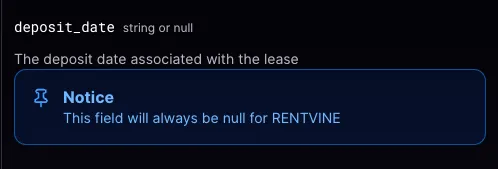
Let’s say you’re using the /leases endpoint and want to know where the deposit_date value is coming from.
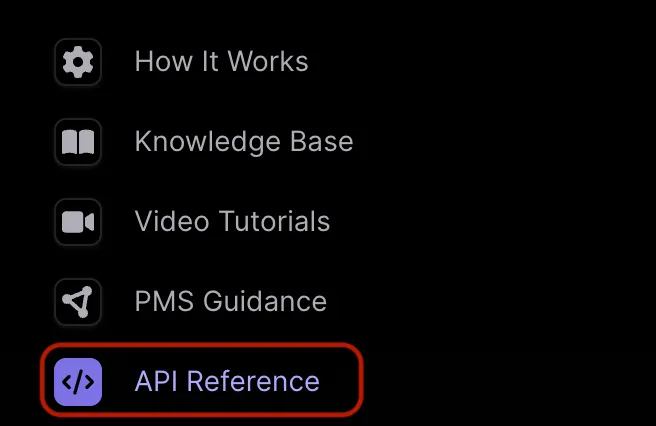
- In the Propexo documentation, go to API Reference.
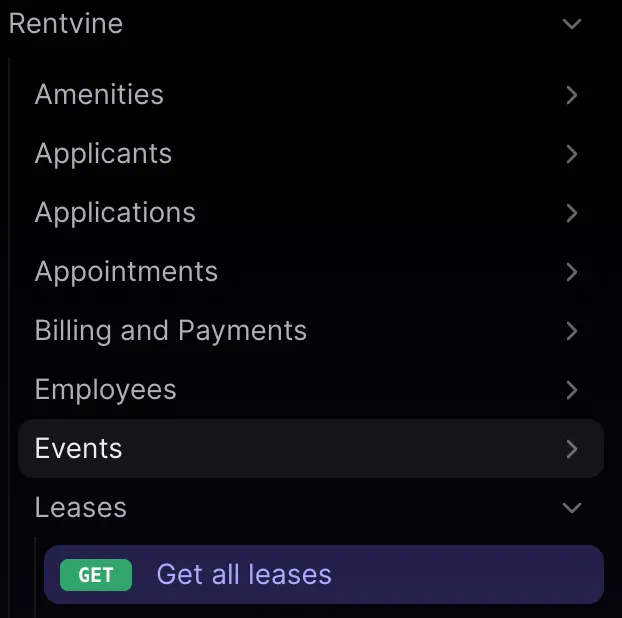
- Select your PMS and then click on the relevant endpoint, in this case, “Get All Leases”.
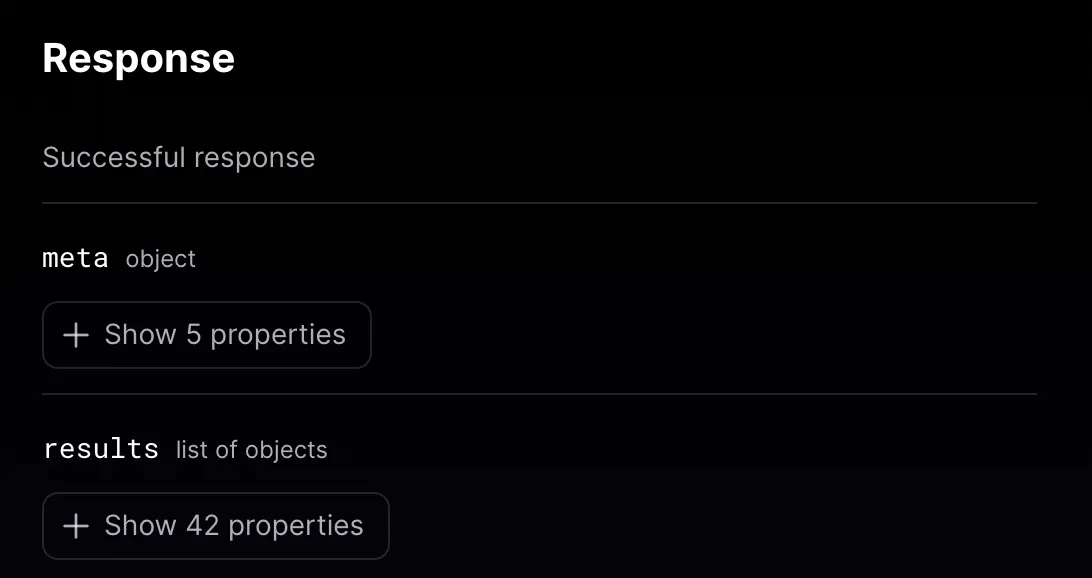
- Scroll to the Response section, and expand the
resultsobject to view the full list of properties returned by the Propexo API.
Each field populated from the PMS will include a note showing which PMS Method Propexo uses to retrieve that data. If a field is not hydrated, there will be a message indicating this.
When to Contact Support
If you have a piece of data that is missing and the field does not have this message in our documentation, please reach out to support.