For AI agents: a documentation index is available at the root level at /llms.txt and /llms-full.txt. Append /llms.txt to any URL for a page-level index, or .md for the markdown version of any page.
Dashboard
How It WorksKnowledge BaseOnboardingVideo TutorialsPMS GuidanceAPI ReferenceRelease Notes
    • 1. Getting Started with Propexo
    • 2. Setting Up Users and Permissions in Propexo
    • 3. Propexo Educational Resources
    • 4. Understanding Support Processes
    • 5. Managing Data Models in Propexo
    • 6. PMS Integration Approval and QA Process
    • 7. Sandbox vs. Production Integrations in Propexo
    • 8. Setting Up PMS Integrations
    • 9. Using the Data Access Panel
    • 10. Performing your First Syncs in Propexo
    • 11. Querying Data using the Propexo API
    • 12. Checking if Propexo hydrates a field
    • 13. Creating Records in Propexo
    • 14. Handling Deleted Records in Propexo
    • 15. Summary and Next Steps
Dashboard
LogoLogo
On this page
  • Authentication with Bearer Tokens
  • Making Propexo API Requests

Querying Data with the Propexo API

Was this page helpful?
Previous

12. Checking if Propexo hydrates a field

Next
Built with

After your initial syncs are complete, you can begin querying your data through the Propexo API.

You can:

  • Use tools like Postman, or
  • Try endpoints directly from our API documentation.
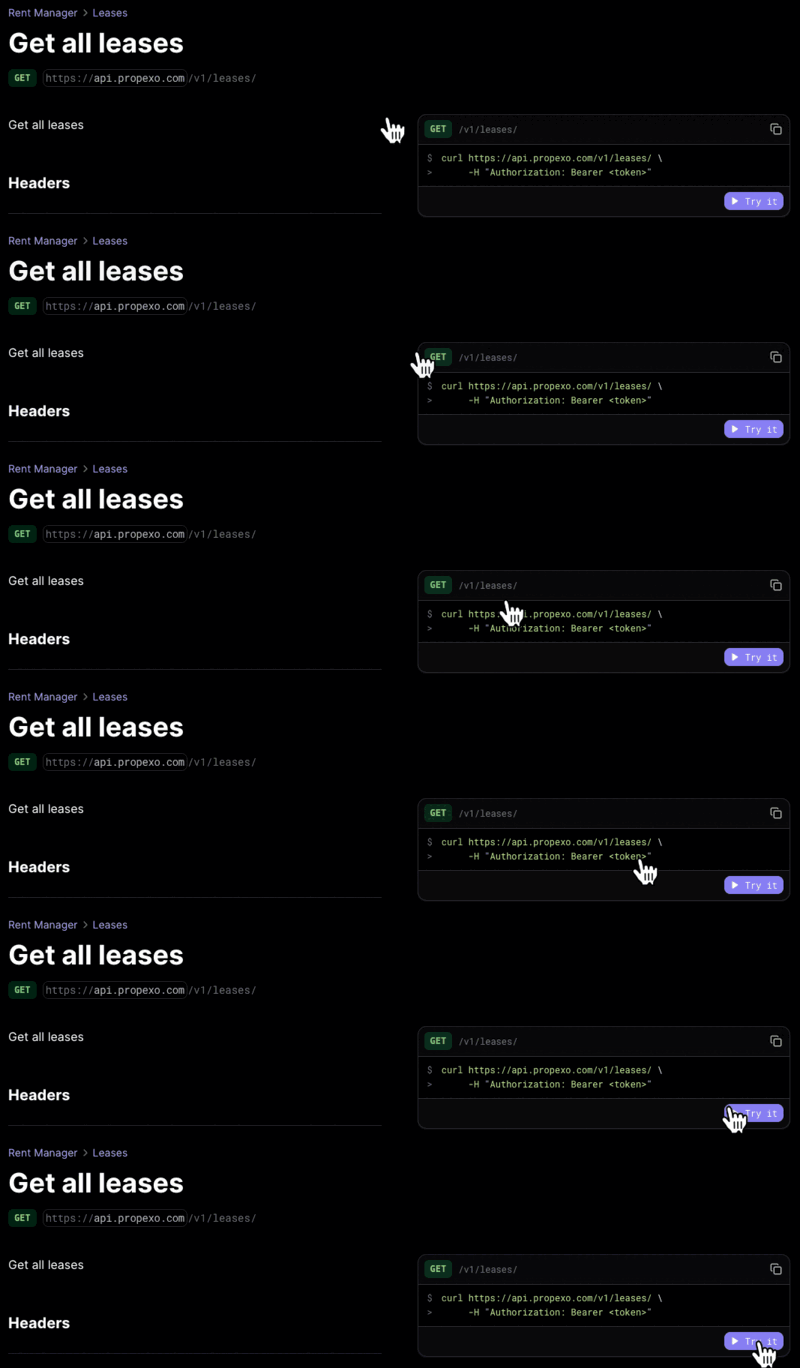
try in docs


Authentication with Bearer Tokens

To authenticate your Propexo API requests, you’ll need a bearer token.

You can generate one in the Propexo web app:

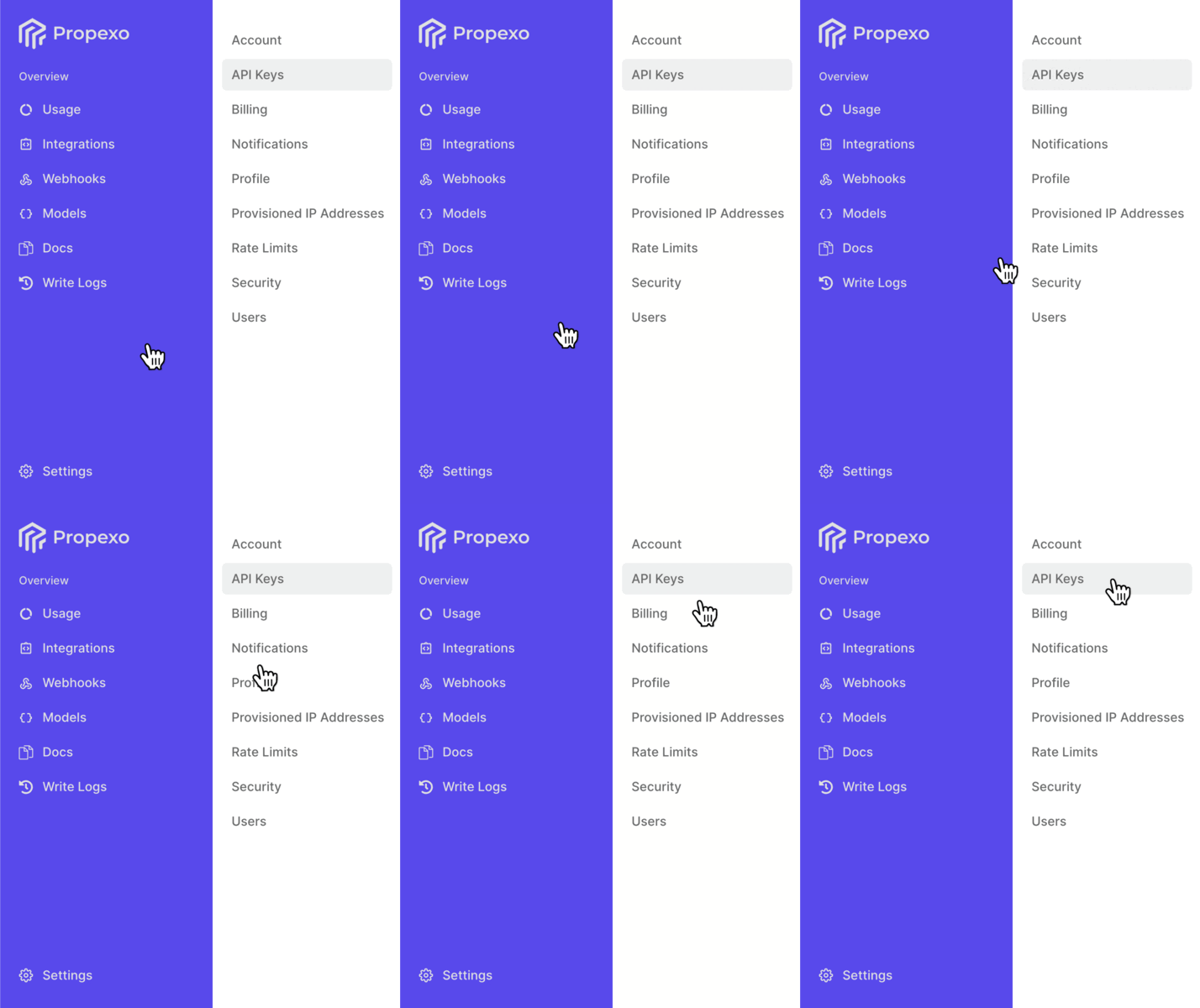
  1. Navigate to Settings > API Keys.
    bearer token

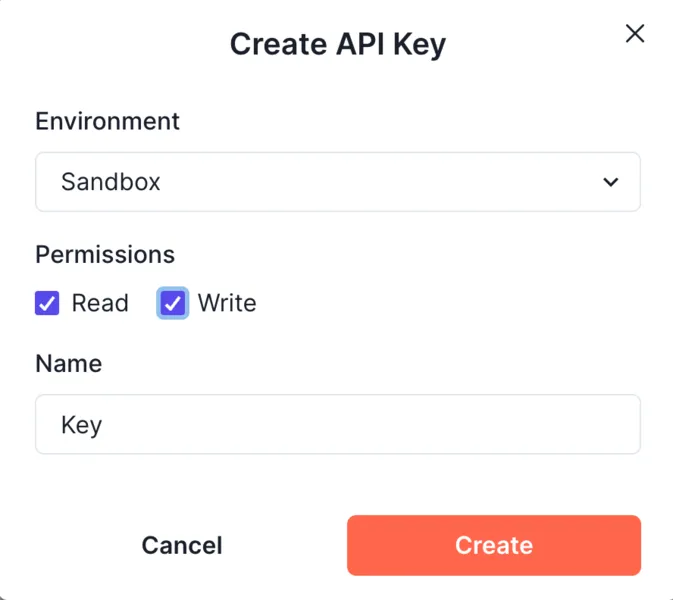
  2. Click Add New Key.

  3. Choose whether the key is for a Production or Sandbox environment.

  4. Assign the appropriate permissions.

  5. Enter a name for your key.

new key


Making Propexo API Requests

With this token, and by following the request formats outlined in our documentation, you’ll be able to query Propexo’s endpoints successfully.