Integration Credentials
Credentials
You’ll need the following credentials from your client to complete the integration setup:
-
Username & Password: Review under Users in Yardi:
Home > System Administration > Review Users. -
Company ID: Found in the Yardi URL directly after the domain
(e.g.,yardiXYZ.com/<CompanyID>). -
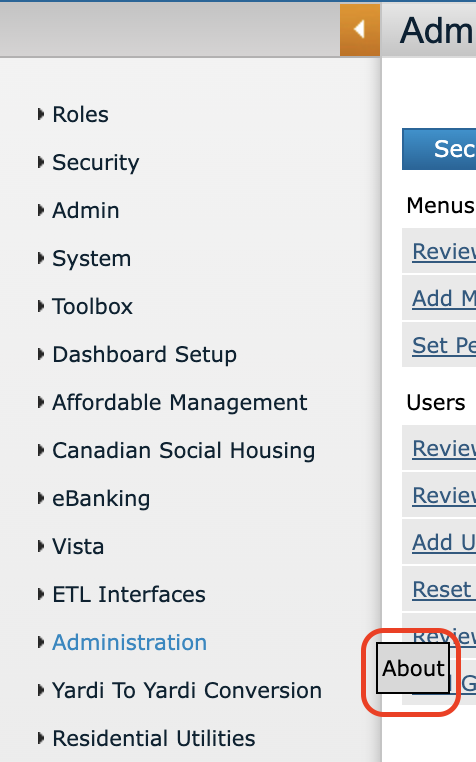
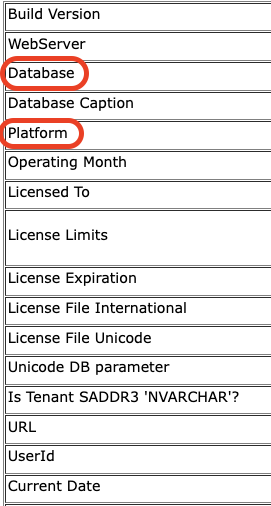
Database Name & Platform: Navigate to Administration > About.
⚠️ If you use a Base URL, the one to use in sandbox will be provided directly by Yardi, whereas the one to use for production integrations will be the base URL your customer sees when logged into Voyager.
Enter these credentials in the Propexo UI.
Note: Yardi may also provide some credentials directly.
Example Integration setup screen: