11. Querying Data using the Propexo API
Querying Data with the Propexo API
After your initial syncs are complete, you can begin querying your data through the Propexo API.
You can:
- Use tools like Postman, or
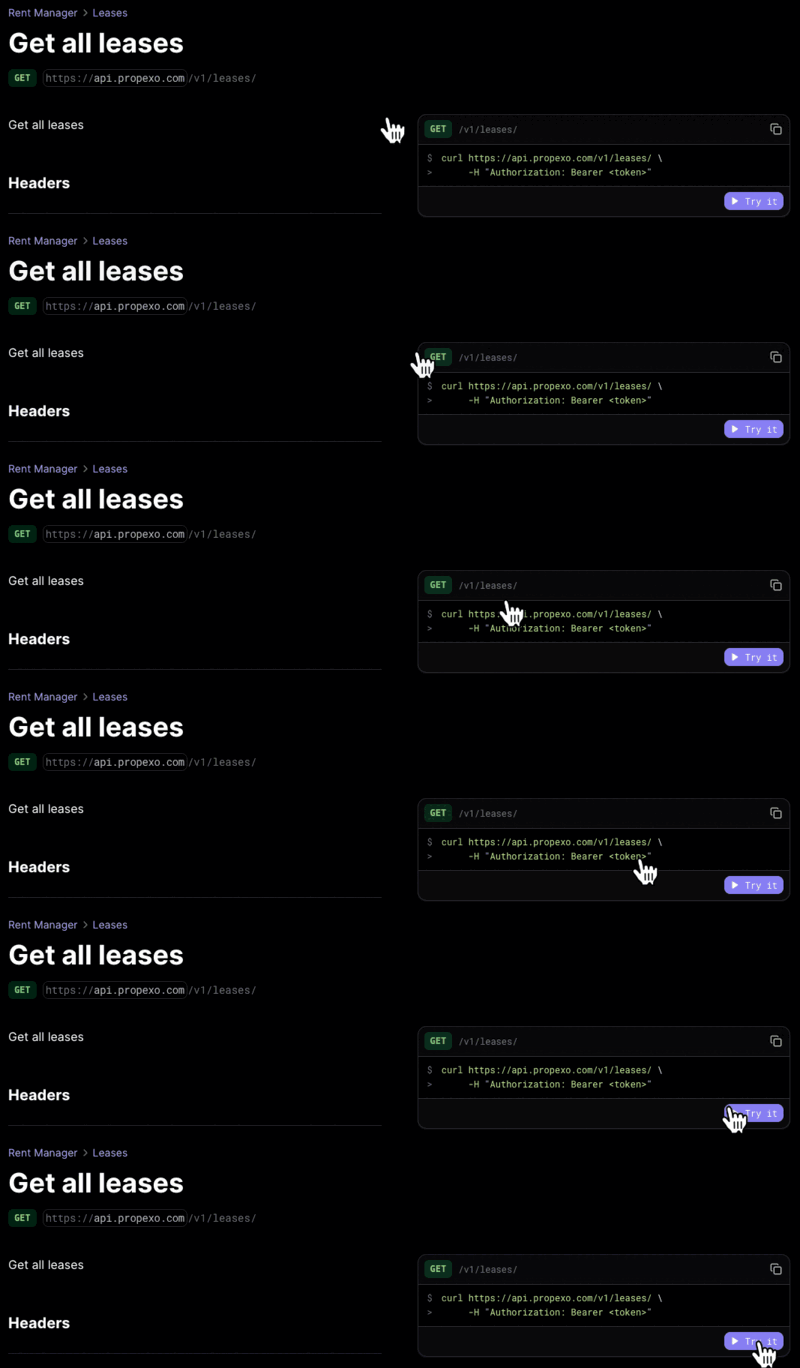
- Try endpoints directly from our API documentation.
Authentication with Bearer Tokens
To authenticate your Propexo API requests, you'll need a bearer token.
You can generate one in the Propexo web app:
-
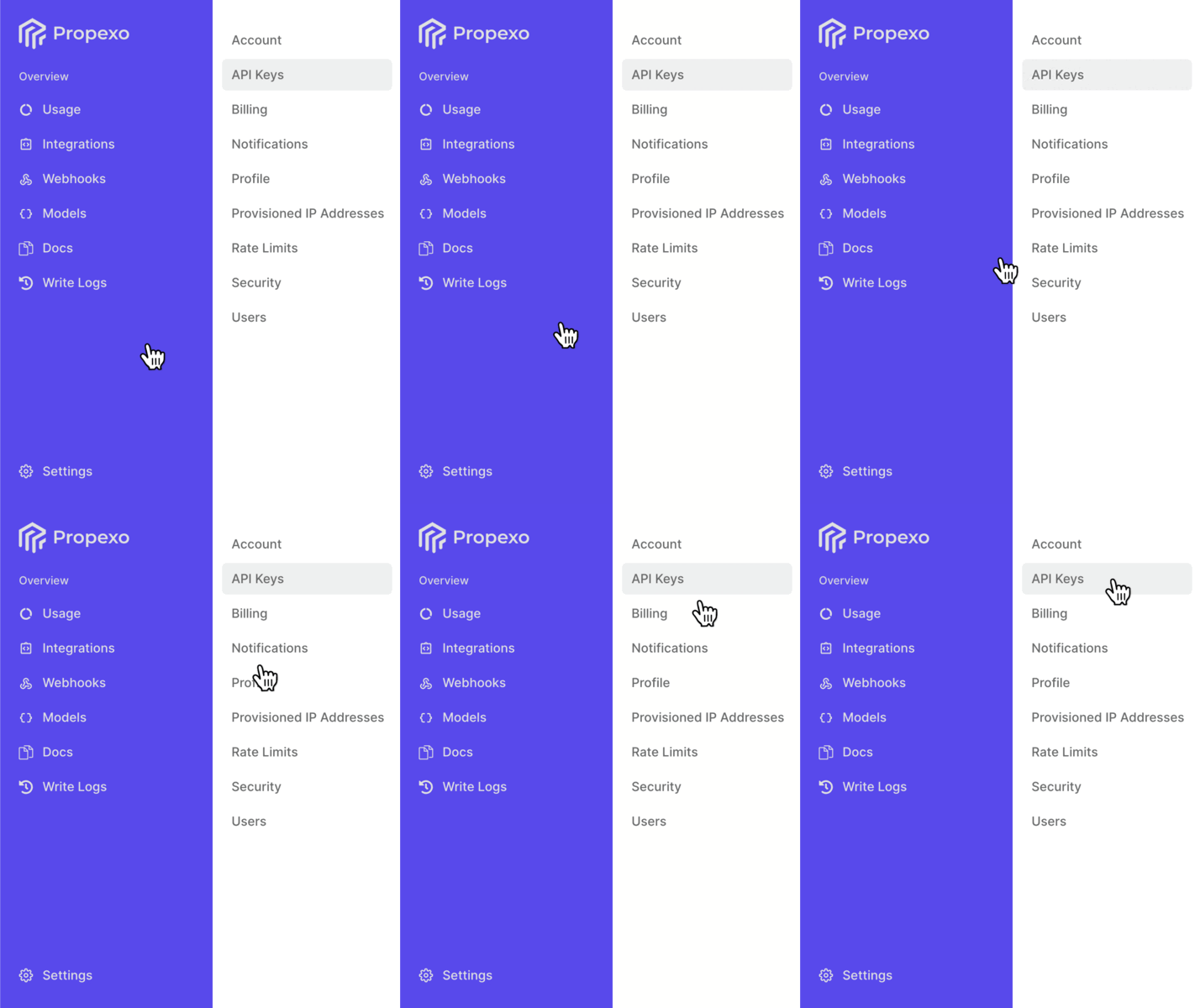
Navigate to Settings > API Keys.
-
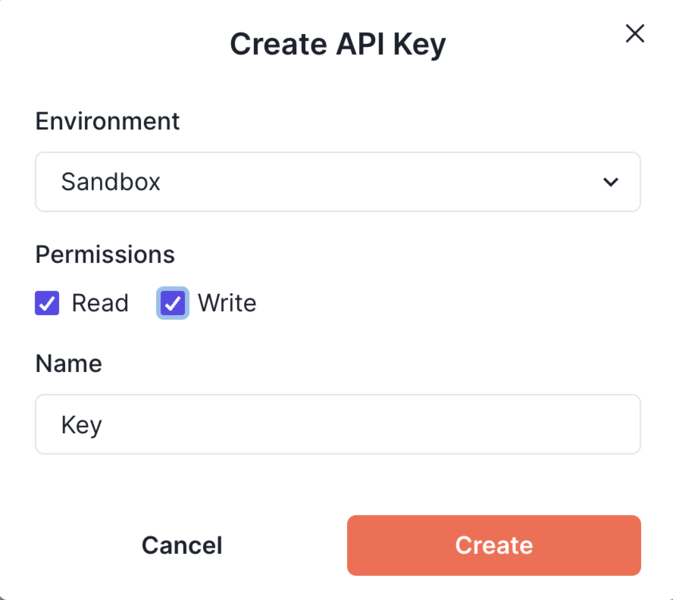
Click Add New Key.
-
Choose whether the key is for a Production or Sandbox environment.
-
Assign the appropriate permissions.
-
Enter a name for your key.
Making Propexo API Requests
With this token, and by following the request formats outlined in our documentation, you'll be able to query Propexo's endpoints successfully.