Setting Up a Webhook in Propexo
-
Create a public URL on your system to receive POST requests.
-
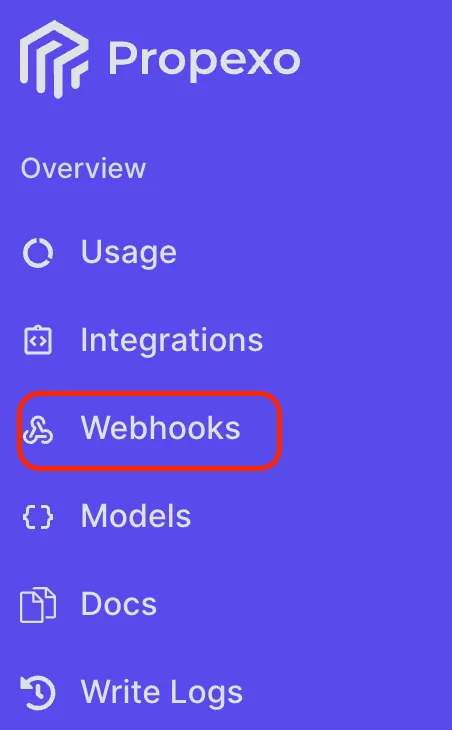
In the Propexo dashboard, go to Webhooks.
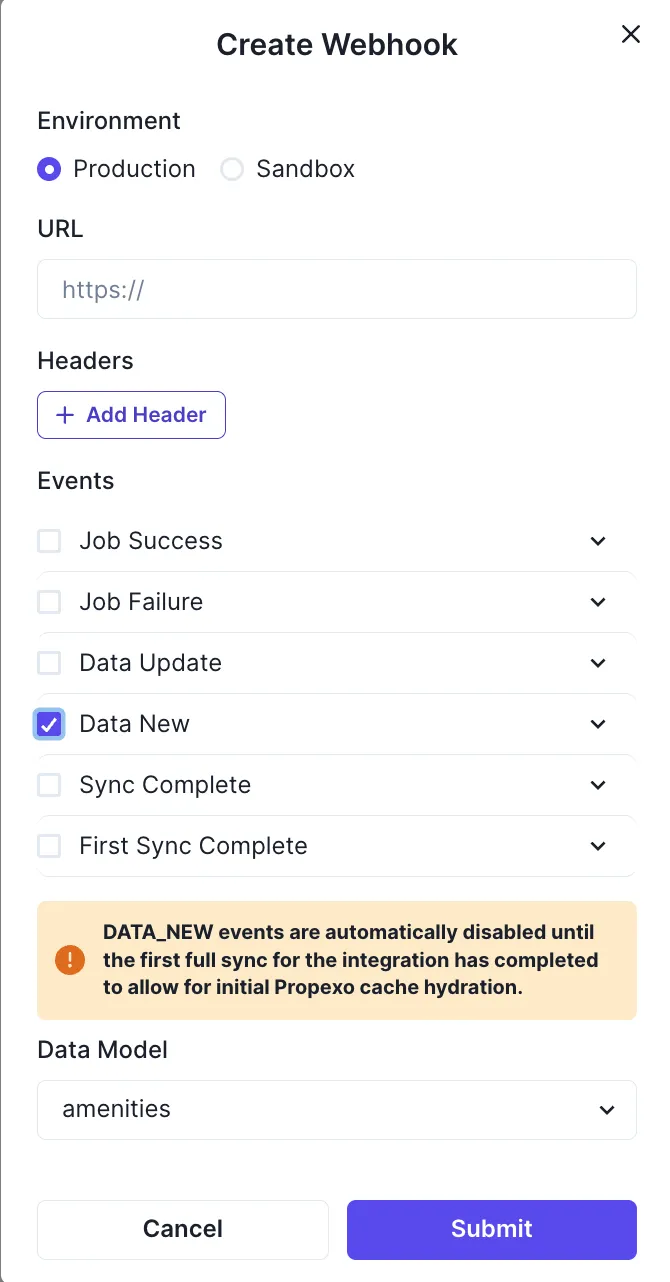
- Click Add Webhook, and select the webhook type you would like to subscribe to, and whether this is for production or sandbox. For Data Update and Data New, you will need to select which model to receive webhooks for. Here is an example using the ‘Data New’ webhook: